Lesson 5 of 5
Put it together in the video studio
Build a finished video from your script, voice and images.
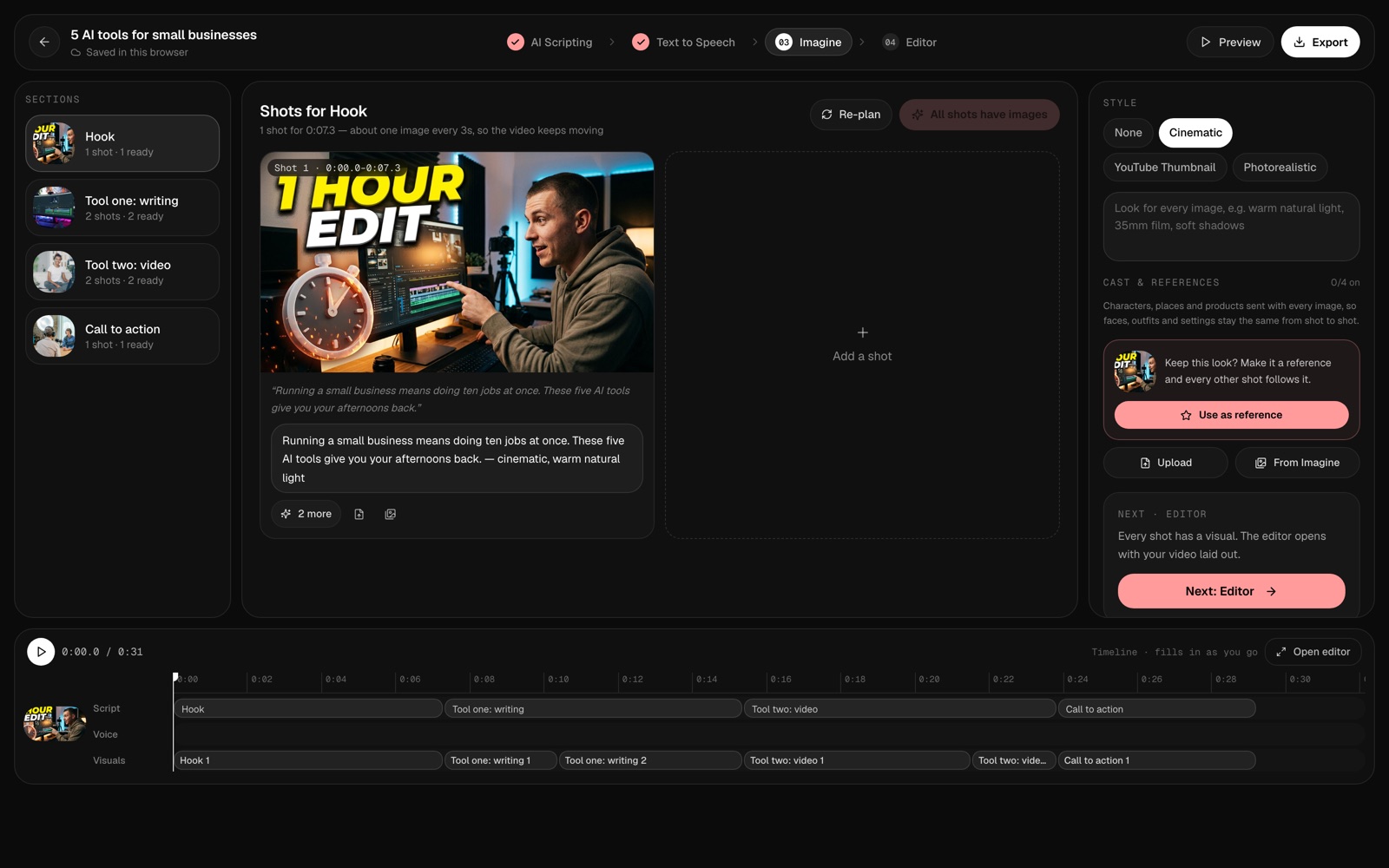
The video studio turns everything into one video, step by step.
Try it
- Open Projects and press New project.
- Name it, turn on the video studio and choose a shape: 9:16, 16:9 or 1:1.
- Work through the steps: Script, Voice, Images, then Editor.
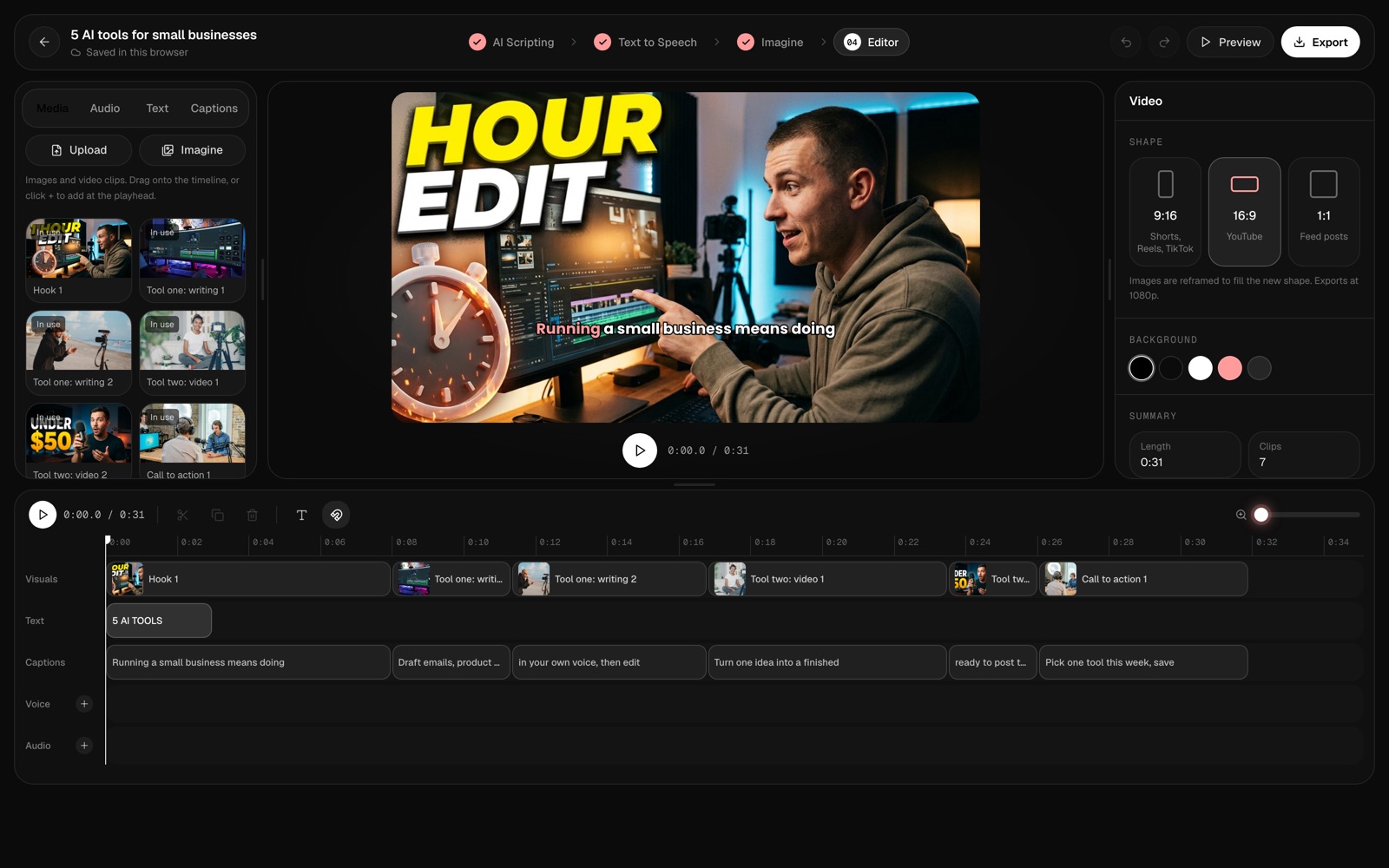
In the editor
Your voiceover, images and captions are already on the timeline. Reorder clips, add text, and press Preview.
Export
Press Export and keep the tab open while it renders. You get a 1080p video, ready to post.
That’s it — you’ve made a video. Next, try the Faceless YouTube Videos course.